
A QR code menu can be the first step toward a smoother restaurant experience. Guests scan a code, open the menu on their phone and find the dishes, prices and details they need. With the right setup, they can also use that same page to call a staff member, place an order or request the bill.
The key is to make the experience useful from the moment the page opens. A QR code should lead to a clear, up-to-date menu and make it easy for guests to take the next step. For restaurant teams, it can also make menu updates easier to manage and help keep guest requests organised.
Here’s how to make a QR code menu work as part of your restaurant service—and how Call The Service (CTS) can support the experience.
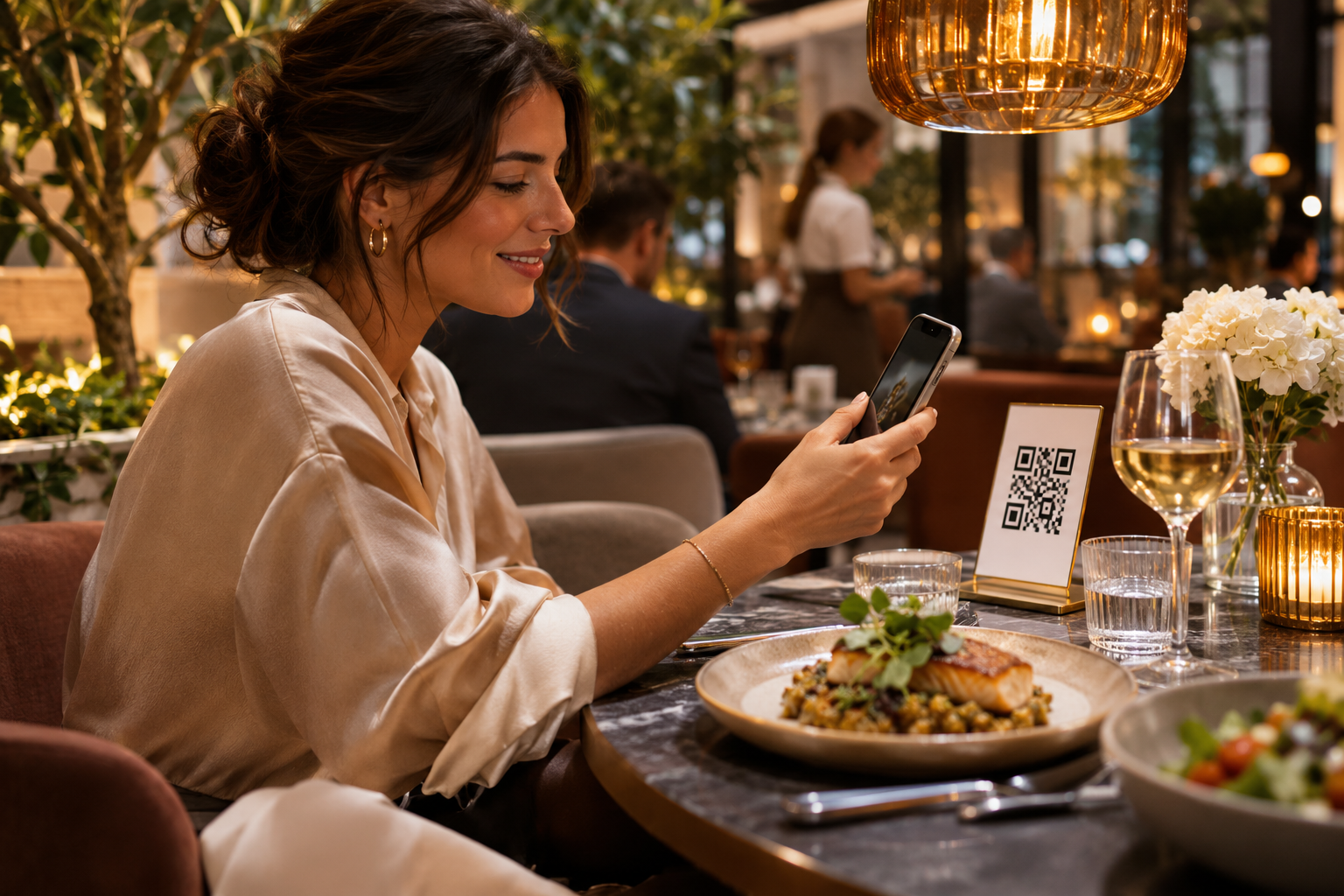
What Is a QR Code Menu?
A QR code menu is a digital menu that guests open by scanning a printed code with their smartphone. Restaurants can place codes on tables, counters, printed menus or other easy-to-see locations. The code takes guests to a webpage where they can browse the menu.
Depending on the setup, a digital menu can include dish descriptions, ingredient and allergen details, promotions, multiple languages and ways to contact staff or make a request.
For guests, menu information is available when they need it. For restaurant teams, digital menus can make changes easier to manage than updating and reprinting every physical menu.
Why Restaurants Use QR Code Menus
A QR code menu can help with practical challenges that come up during service:
- Menu changes: Update prices, descriptions or availability without replacing every printed menu.
- Guest access: Let guests browse at their own pace and return to the menu during their visit.
- Useful details: Share ingredients, allergen information and promotions alongside menu items.
- Guest requests: Give guests a simple way to ask for assistance or take another service action.
- Flexible menus: Organise different menus for meals, areas or occasions.
A digital menu is most useful when it makes things easier. If it’s slow to open or hard to read, guests may prefer to ask a member of staff. Keep the experience straightforward, and make sure guests can still get help when they need it.
What Makes a QR Code Menu Easy to Use?
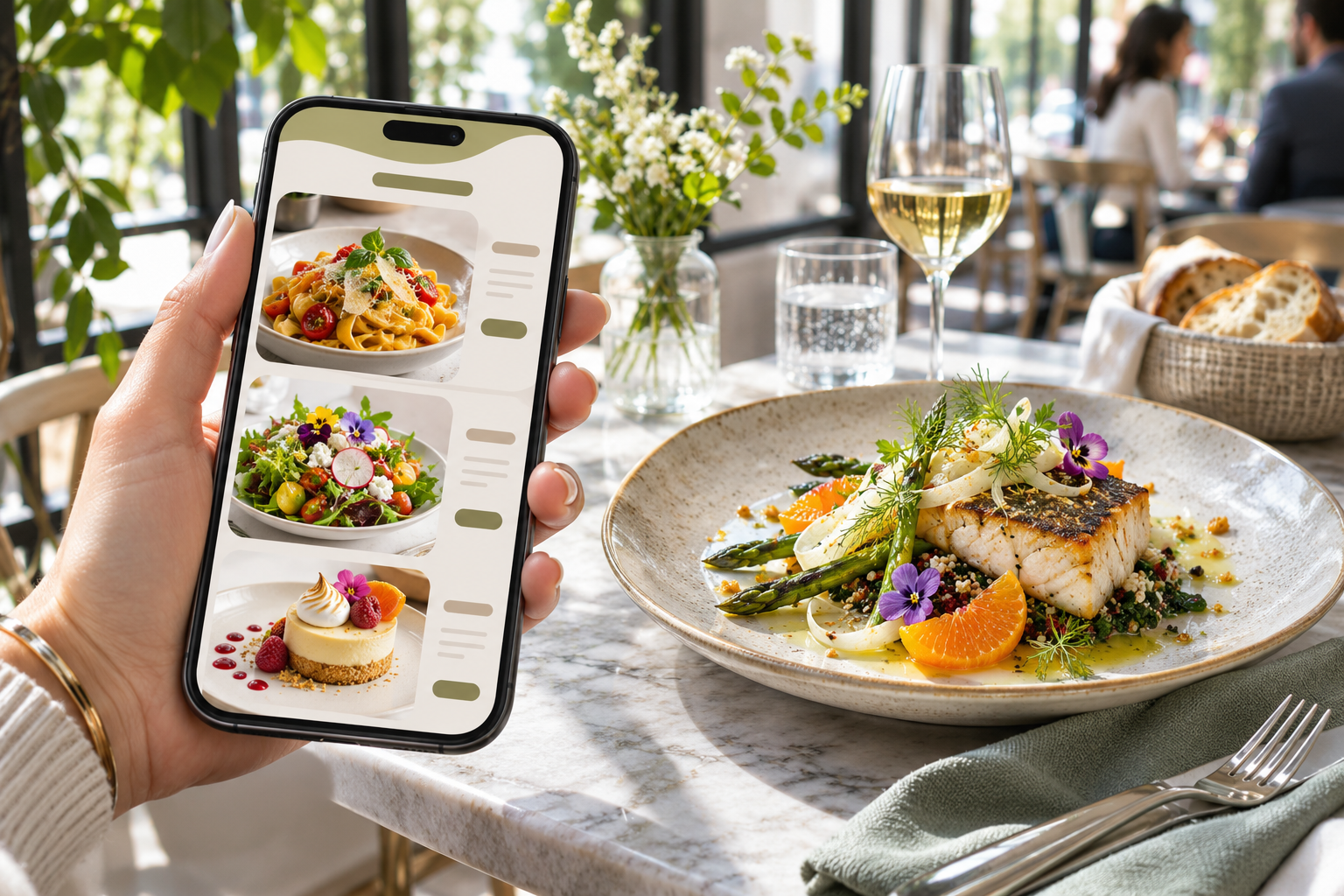
Guests should be able to scan the code and quickly understand what to do next. Make the menu mobile-friendly, use text that’s comfortable to read and organise dishes into familiar categories. Put prices where guests can find them easily, and keep descriptions informative without making them too long.
Make sure the QR code is easy to spot and scan. Print it with enough contrast and space around it, then test it on different phones and from different seats. A short instruction nearby, such as “Scan to view the menu,” can help.
It’s also worth considering guests who don’t want to use a phone or have trouble connecting. Staff should be ready to assist, and printed menus can remain available as another option. Digital tools should support hospitality and give guests more convenience—not leave them feeling there’s only one way to get service.
Keep Your Digital Menu Accurate
A QR code menu makes updates convenient, but guests still rely on the information being correct. Set up a simple process for reviewing the menu whenever dishes, prices, ingredients or availability change.
Before publishing an update, check:
- Dish names and descriptions
- Current prices and availability
- Ingredient and allergen information
- Promotions and special offers
- Translations, if the menu appears in multiple languages
Assign someone on the team to manage updates and confirm that the changes appear wherever guests access the menu. This is especially helpful if your restaurant has separate menus for different locations, dining areas or service periods.
Connect the QR Code Menu to Table Service

Opening a menu is often just one part of a guest’s visit. After choosing what to eat, guests may want to place an order, ask for assistance or request the bill. Searching for a staff member each time can interrupt service for both the guest and the team.
A QR code menu can be part of a broader service experience. Call The Service (CTS) is a restaurant order management app with a digital guest page that can display branded menus through a QR code. Restaurants can share menu updates, ingredient details, allergen information and promotions.
The guest page also connects with table and staff management features. Guests can use QR-based requests to call staff, place orders or request the bill from their table. Requests can be routed to staff, helping teams keep track of what guests need. Restaurants can also organise floor plans and assign staff through the app.
That connection makes the QR code a useful starting point for the visit: guests can browse the menu and access service options from the same digital experience.
More Ways CTS Can Support the Guest Experience
Call The Service includes features designed to connect what guests see on their phones with the work happening on the restaurant floor:
- Branded digital guest pages: Create digital menus that guests can open by QR code.
- Menu information and promotions: Share menu updates, dish details and offers.
- Multilingual menus: Translate menus into more than 100 languages, according to the app information provided.
- AI-generated dish images: Create dish images through the app to help build out a visual menu.
- Guest ratings and feedback: Collect ratings after service requests and use feedback to understand the guest experience.
- Efficiency dashboard: Review call volumes, response times, peak hours and staff performance data.
- Table and staff management: Organise floor plans, assign staff and route guest requests.
The right setup depends on how your restaurant operates. A café might prioritise quick menu updates and order requests. A busy restaurant may focus on routing table calls clearly. A club or venue may need to manage a larger floor plan and coordinate staff across different sections.
Introduce the System to Your Team
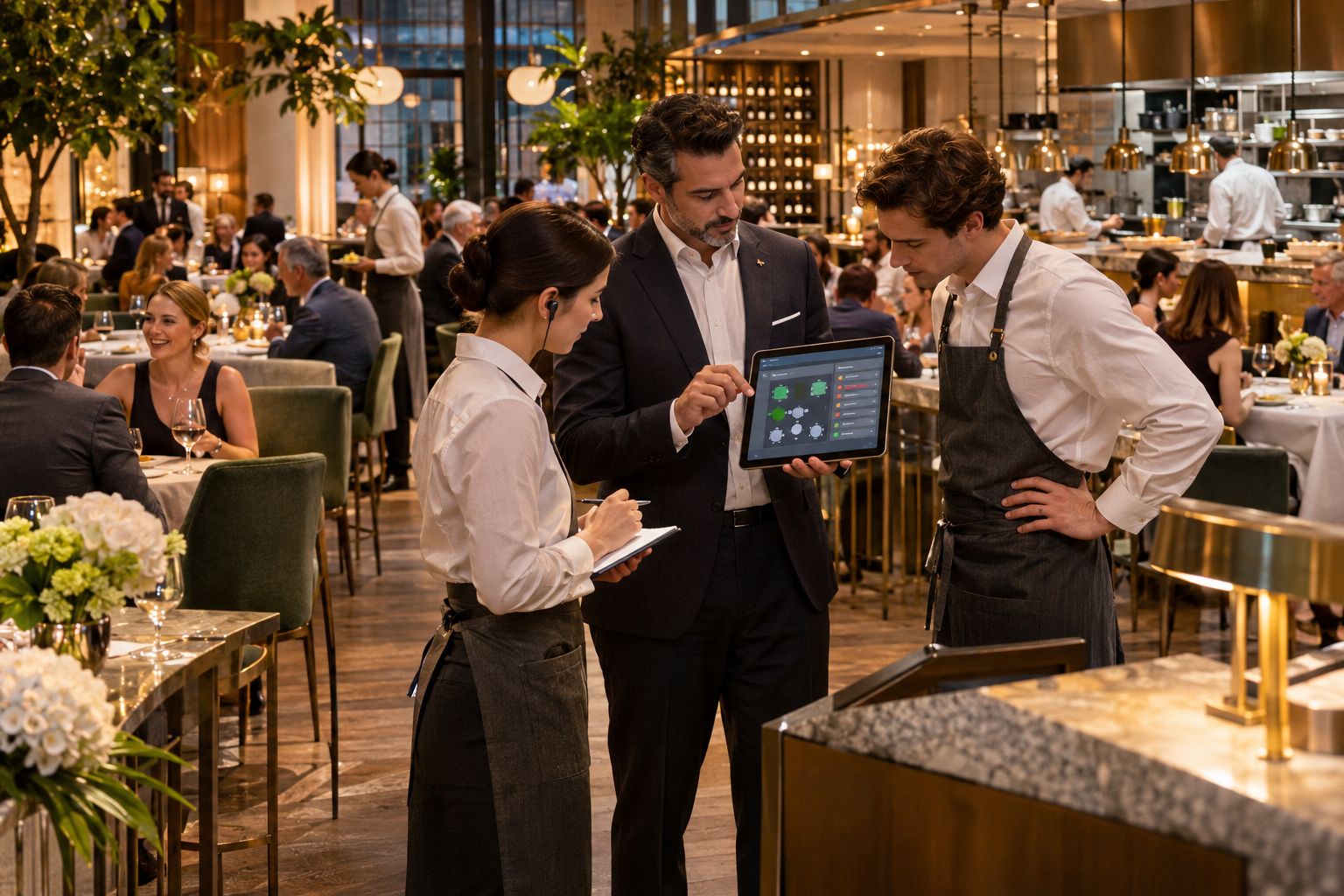
A QR code menu works best when staff understand how it fits into service. Before launch, let the team try the guest experience on their own phones. Show them where requests appear, who is responsible for responding and what to do if a guest needs help.
After the first few shifts, ask staff and guests what felt clear and what caused confusion. You may want to adjust where the QR code is placed, simplify menu categories or clarify how guest requests are handled. A short review can help the system fit the way your restaurant actually works.
Make Your QR Code Menu Part of Better Service
A digital menu is more than a link on a table. It can give guests convenient access to current information and connect browsing with the next steps in service.
Call The Service brings a QR-based digital guest page together with tools for table requests, staff management, multilingual menus, feedback and service monitoring.
Ready to connect your menu and service? Talk to the Call The Service team about your menu, tables, staff workflow and the guest requests you’d like to make easier.