
Ask a vendor how much it costs to make a QR code menu and you’ll usually get a tidy answer: somewhere between $10 and $50 a month. It’s a true number, and it’s also close to useless. That figure tells you what the software costs, not what the decision costs, and those are rarely the same thing.
Two restaurants can sign up for identically priced plans and end up in completely different places a year later. One prints a code, tapes it to the table, and calls it modernisation. The other rewires how orders reach the kitchen, collects card payments before the food arrives, and finally sees which dishes actually make money. Same invoice, wildly different return.
So instead of chasing the cheapest sticker price, this guide reframes the question the way an operator should: what am I actually buying, and what does it change about the way my restaurant runs?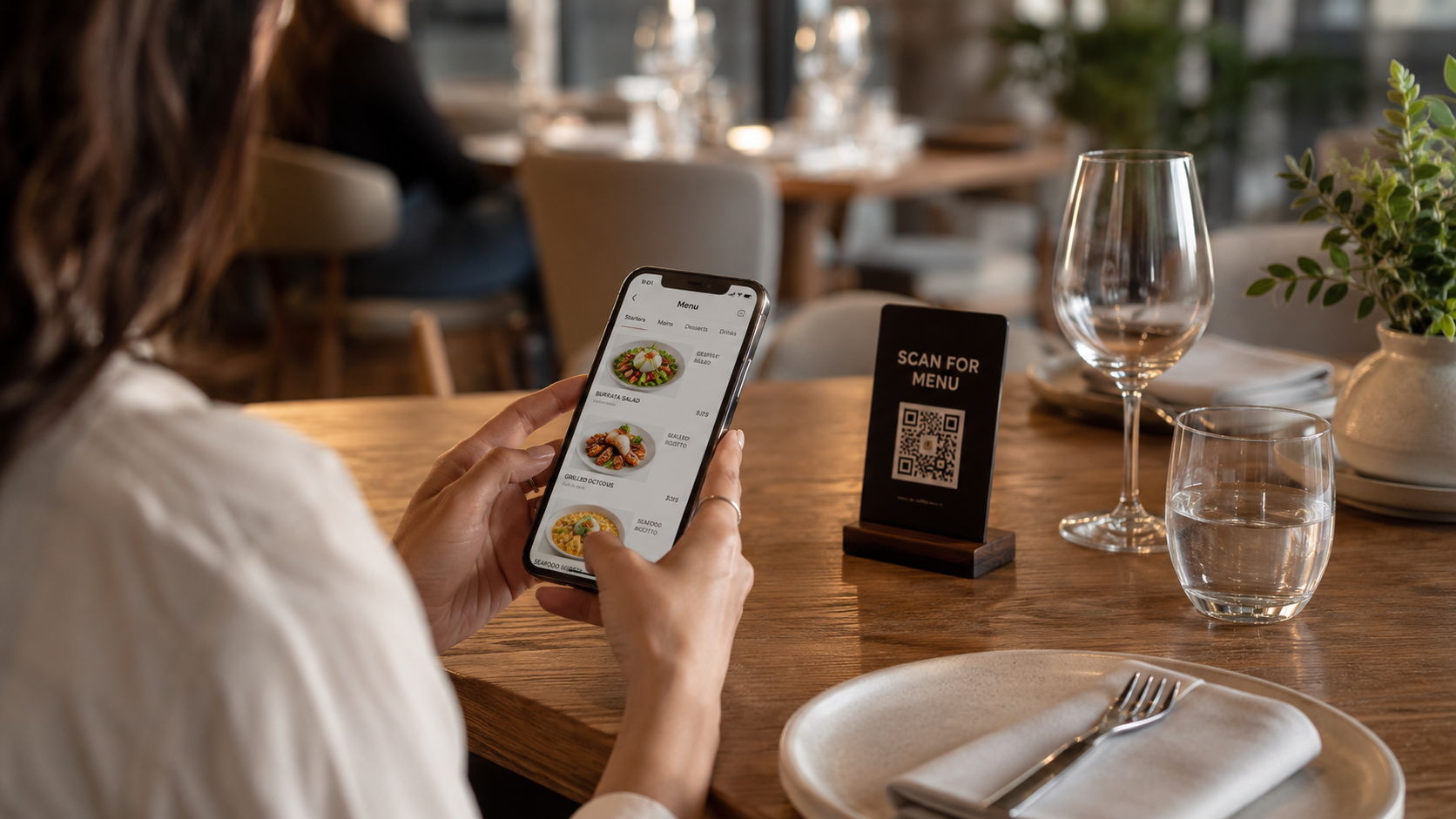
The monthly fee is the least interesting number on the invoice
The subscription is the visible cost. The costs that decide whether the tool pays for itself are the ones nobody quotes you: staff hours spent taking orders, mistakes that get comped, and tables that turn slowly because a server is stuck at the till. A $19 plan that changes none of that can be expensive. A $119 plan that removes an entire step from your service can be cheap. Price only makes sense once you attach it to behaviour.
Two very different products share one name
“QR code menu” now describes two products that have almost nothing in common beyond the square you scan.
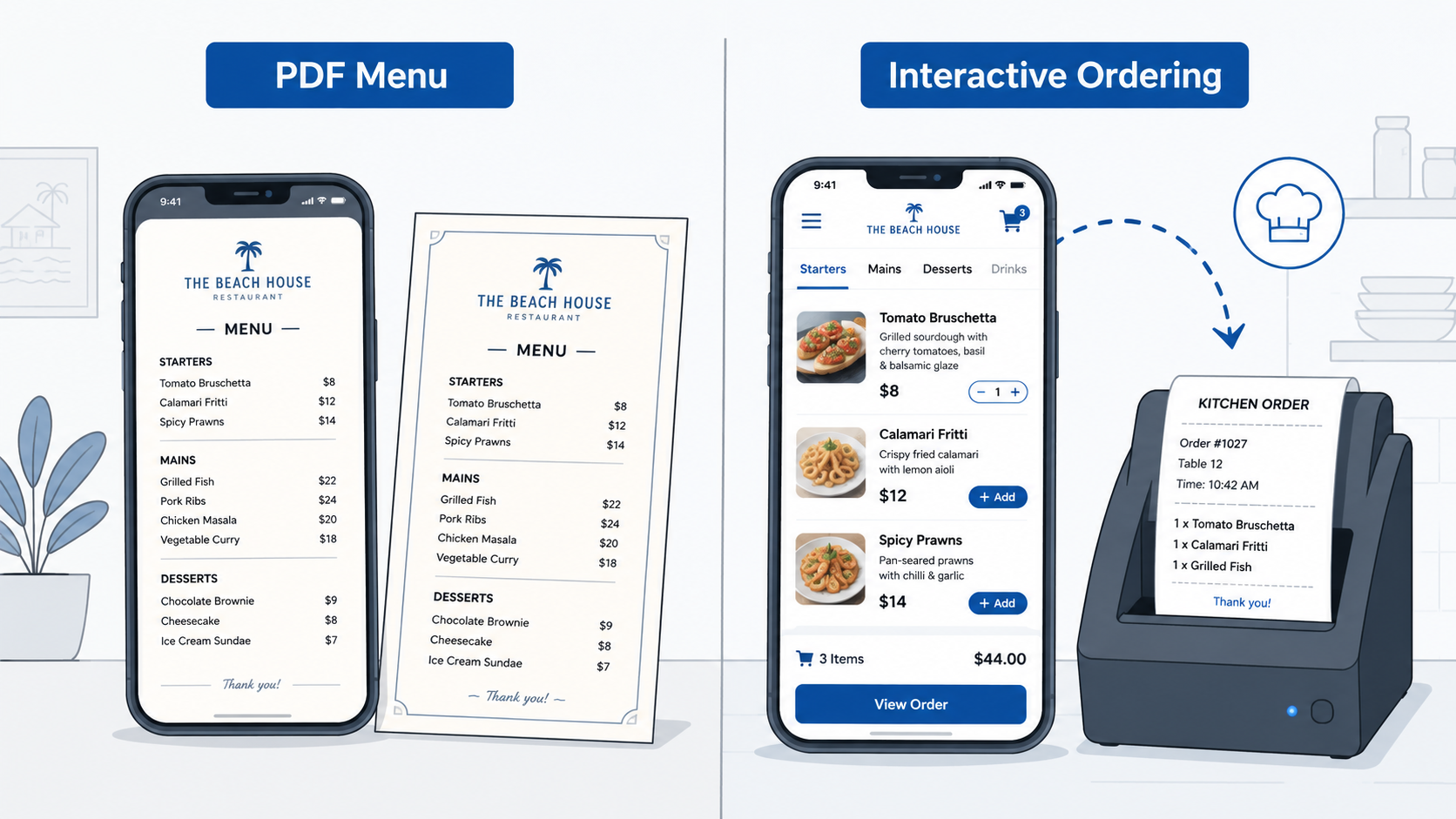
The view-only menu is a digital reprint
A guest scans, a PDF or web page loads, they read it, then they order the old-fashioned way, out loud, to a server, who keys it in. It’s genuinely useful for a small café, a bar with eight items, or anywhere the bottleneck was printing costs rather than service speed. What it does not do is make anything faster. You’ve swapped paper for pixels; the workflow underneath is untouched.
The interactive menu is an ordering system in disguise
Here, the QR code is just the front door to a full platform. The guest scans, browses, selects, and sends the order straight to the kitchen display or POS, often paying in the same motion. This is the version that removes labour from the floor, and it’s also the version that demands more of you: setup, menu structuring, and a team willing to change how they work. The upside is real; so is the adjustment.
Miss this distinction, and every price comparison you make will be apples to hammers.
What the money actually buys
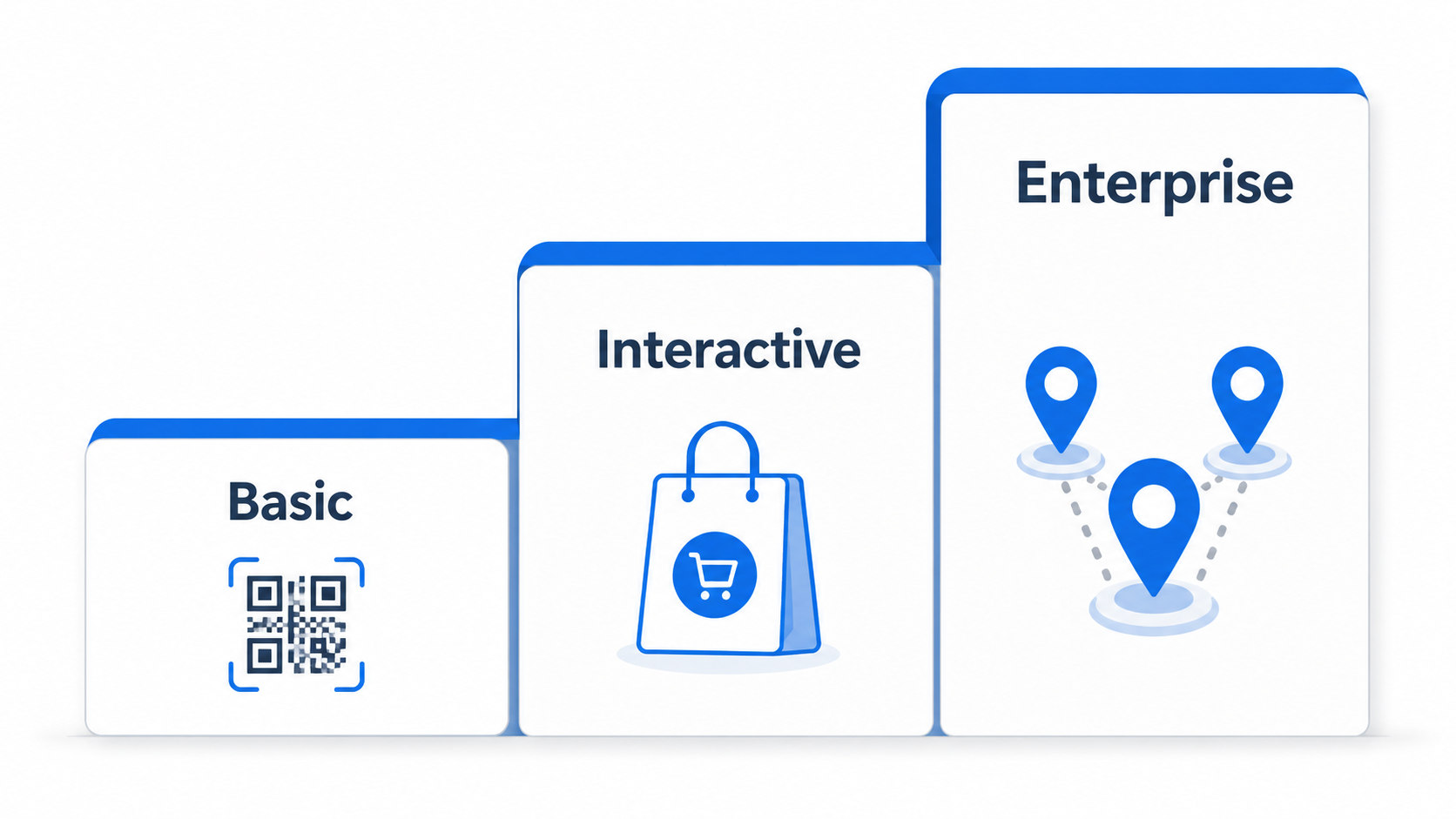
Market pricing sorts fairly cleanly into three bands. Read these as a capability tier, what you get, rather than as a shopping list of monthly fees.
Tier | Typical monthly range | What you actually get |
Basic / view-only | ~$10–$50 per location | Digitises the menu; guests still order through staff |
Interactive ordering | ~$50–$150 per location | Self-ordering, kitchen/POS routing, in-app payments |
Enterprise / multi-branch | $150–$500+ per location | Centralised menus, analytics, multi-site control |
Worth saying plainly: the code itself is free, generating one costs nothing. Everything on the invoice is the platform behind it. That’s why the phrase “cost to make a QR code menu” is a little misleading. You aren’t paying to make a code; you’re paying for the system it points to.
Five questions to answer before you pay for anything
Rather than lining vendors up feature by feature, answer these first. They’ll quietly eliminate most of the market for you.
- Am I digitising a menu or removing work? If it’s the menu, stop at basic. If it’s the work, order-taking, payments, till queues, you need an ordering system.
- Do I want convenience or speed? Convenience makes the menu easier to see. Speed shortens the time between a guest sitting down and the kitchen firing the ticket. Only one of those shows up in table turnover.
- One location or many? A single site can thrive on a simple tool. Multiple sites need centralised control, or you’ll be making the same price change eight times and reconciling eight sets of numbers.
- Will I use what I’m paying for? The most common waste isn’t overpaying; it’s buying analytics, CRM, and marketing modules that never get switched on. Underuse burns the budget more quietly than overspend.
- Am I comparing price or value? The cheapest plan wins on a spreadsheet and loses on the floor if it leaves your workflow exactly where it was.
The payoff, according to the research
The case for interactive systems isn’t just vendor optimism. Independent studies of QR-based ordering point consistently in the same direction:
- Leaner operations. Research in the Journal of Informatics and Web Engineering (2023) found that QR ordering digitises menu access and order capture, trimming manual steps out of daily service.
- Quicker tickets. The same work noted that letting guests order from their own phones reduces dependence on staff taking orders and smooths service flow.
- Fewer mistakes. Quality-testing research applying the ISO 9126 framework to QR ordering reported meaningful drops in errors from illegible handwriting and manual entry.
- Steadier coordination. ISO-based evaluations found tighter alignment between front-of-house and kitchen once ordering is standardised.
- Less paper. Hospitality sustainability research links digital menus to lower printing costs and reduced waste.
The bottom line
The honest answer to “how much does a QR code menu cost” is: as little as ten dollars a month, or nothing at all for the code itself, but that’s the wrong number to optimise. The figure that matters is the gap between what you pay and what the system changes. Buy view-only, and you’ll spend a little to modernise how your menu looks. Buy an ordering system and use it fully, and the subscription becomes one of the cheaper lines on your P&L relative to the labour and errors it removes.
Pick the tool that matches the job you actually need done, and, ideally, one that can grow with you when that job gets bigger.